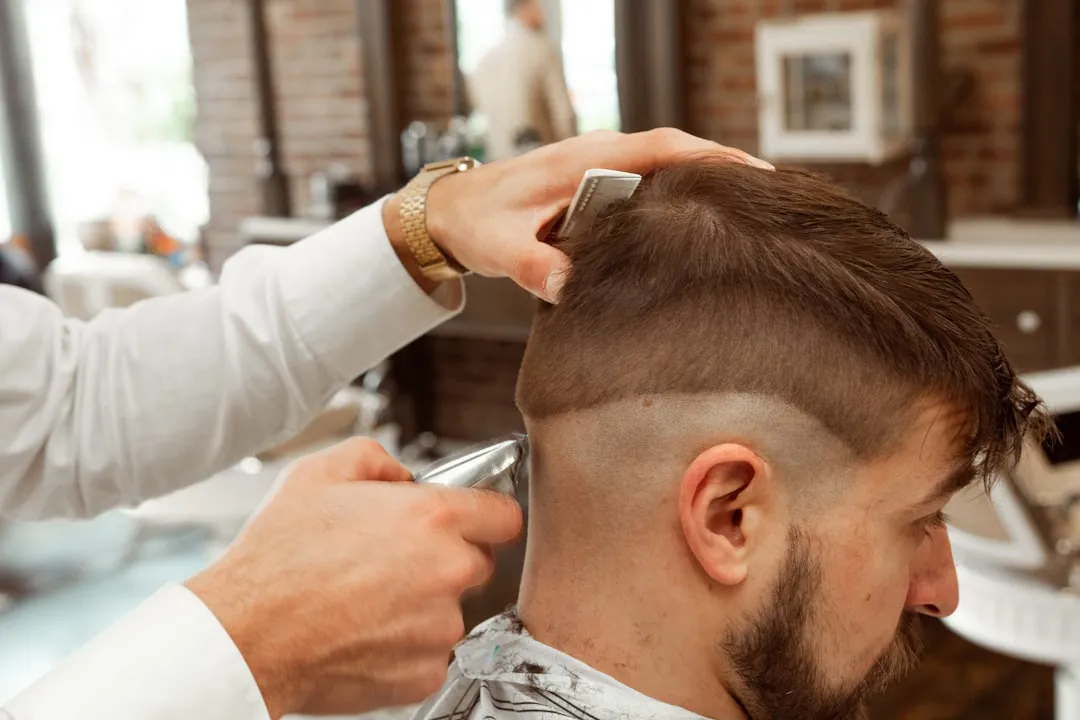
Do you want to try a new color, cut or hairstyle before committing to a real change? Artificial intelligence now offers the perfect solution: tools that allow you to test different hair styles using only your smartphone or computer. It is no longer necessary to risk money and time in the salon without knowing how the final result will look.
This technology has completely transformed the way people plan for appearance changes.You can explore dozens of possibilities, adjust colors, lengths and textures before making a definitive decision.AI analyzes features of your face, hair type and even your skin to offer realistic and personalized recommendations.
How AI Transforms Hairstyle Visualization
Artificial intelligence uses advanced facial recognition to map out unique features of your face. This technology comprises facial proportions, face shape, skin tone and other particularities that influence how a cut or color will look on you. The system not only puts a generic hairstyle on your photo, but adapts it specifically to your individual characteristics.
When you upload a front photo or use the device's camera in real time, the algorithm processes the image and creates an accurate simulation. AI can render different angles of the hairstyle, showing how it moves and how light interacts with the hair. This level of realism helps you better imagine the end result and make more informed decisions about structural changes.
Corte de Cabelo & Cor IA
Nextdio
Processing happens in a matter of seconds, allowing you to test multiple options in a few minutes. You can change cutting, after color, then adjust both, all without leaving the application.This speed and flexibility make the process fun and totally risk-free.
Complete Checklist to Test Cuts and Colors with AI
To make the most of these tools and get accurate results, you should follow a structured process. A well-organized checklist ensures that you do not miss important details and can make fair comparisons between the tested options. Below is a practical guide that you can follow step by step.
Before you start, make sure your device is working properly and your camera is of good quality. Clean the lens to avoid blurry or dim images. Have natural or proper lighting in the environment, as the quality of the photo directly affects the accuracy of the simulations offered by AI.
Initial Preparation and Photo Capture
The first step is to prepare a suitable photo of yourself. Use a clear front photo, taken on sunny day or with uniform artificial lighting. Avoid shadows on the face, use trapped hair if possible for maximum exposure of the face, and wear something that contrasts with the color of your current hair. This preparation ensures that the AI application captures your look correctly.
Also take a side photo to get a full view of how different cuts affect the profile. Some tools take advantage of multiple angles to create even more realistic simulations. Save these photos in a specific folder on your device for quick access when you start testing the options.
Make sure you have good images in different lightings, as the color appears different in natural light, warm light or cold light. Keeping options is useful because you can compare how a specific hairstyle behaves in varying contexts. This is especially important if you plan to use the new color or cut in different environments (work, parties, day to day).
Platform Navigation and Option Selection
When opening an AI hair simulation app, start by exploring the categories menu. You will usually find separations by type of cut (female, male, short, long, medium), color (natural, pastel, vibrant), and style (classic, modern, stripped down). Take time to explore all available subcategories before choosing the ones that best suit your taste.
Select at least three to five different trimming options you want to test. Don't just choose what you think is most beautiful in social network models, consider what works with your hair type, face shape and personal style. Write down mentally or in a document the names or characteristics of each option so you can compare later.
For colors, test similar shade variations to understand which works best with your skin. If you are interested in changing from a dark shade to a light one, for example, test three intermediate shades in addition to the desired final tone.This helps you visualize the gradual transformation and identify which shade best complements its natural characteristics.
Results Analysis and Visual Comparison
After applying each filter or simulation, observe the result at different angles offered by the platform. Check how the cut is on the side, back, top of the head, and at a front angle. Especially note how the hair falls, where the volume is, and whether the cut balances the proportions of your face. Take screenshots of the options you liked most to keep a record.
Compare side by side how color changes the perception of your facial features. Observe whether color highlights your eyes, enhances the hue of your skin, or makes your face more or less luminous. Pay attention to how color interacts with your eyebrows, eyelashes, and skin tone. These observations are key to determining which shades harmonize best with you.
Create a mental or visual list of your three favorites in each category (cut and color). Not limited to just one option, you keep an open mind to possibilities and can make interesting combinations.Sometimes a cut that looked less interesting becomes perfect when combined with a specific color.
Compatibility with Your Hair Type and History
Consider the type of hair you have during the evaluation of the simulations. Frizzy, wavy and straight hair have different behaviors, and not all cuts work equally well in each type. Note if the AI is simulating how the hairstyle would look in your specific type of hair or if it is just showing a generic result.
If you have ever had straightening, dyeing or other treatments, this may affect how a new cut or color will behave. Very short cuts in hair that has never been cut in this way may require adjustments to the care routine. Light colors on very dark hair may require discoloration processes that affect the health of the hair. Keep these practical considerations in mind during the analysis.
Make sure you have enough hair length for the cut you are testing. AI applications may not take into consideration whether you can actually make certain cuts with your current length, so use common sense to filter out impractical options.
Communication with Your Hairdresser
After choosing your favorite options, save the simulated images in a well-organized folder. Take these images when you go to the salon, as they are valuable tools for communication with your hairdresser.A professional can analyze the simulations and identify if the result is really achievable, what adjustments may be needed, and how to take care of the new color or cut.
Talk to the hairdresser about the time needed for each procedure, the products that will be used, and the total cost before you start. Show multiple favorite images, not just one, so that the professional better understands your vision. Ask about the maintenance time needed and how much you will spend on products and retouching.
Ask for professional recommendations on which of your tested options is best suited for your hair type and lifestyle. An experienced hairdresser can offer insights that the AI app does not provide, such as maintenance difficulties or possible reactions of your hair to certain chemical processes.
Registration and Monitoring of Transformation
Keep a visual record of all the simulations you tested before the transformation. Take a selfie photo of your current hair as a reference point, and save the application screenshots in a dated folder. This record serves as motivation and also as documentation of your decision process.
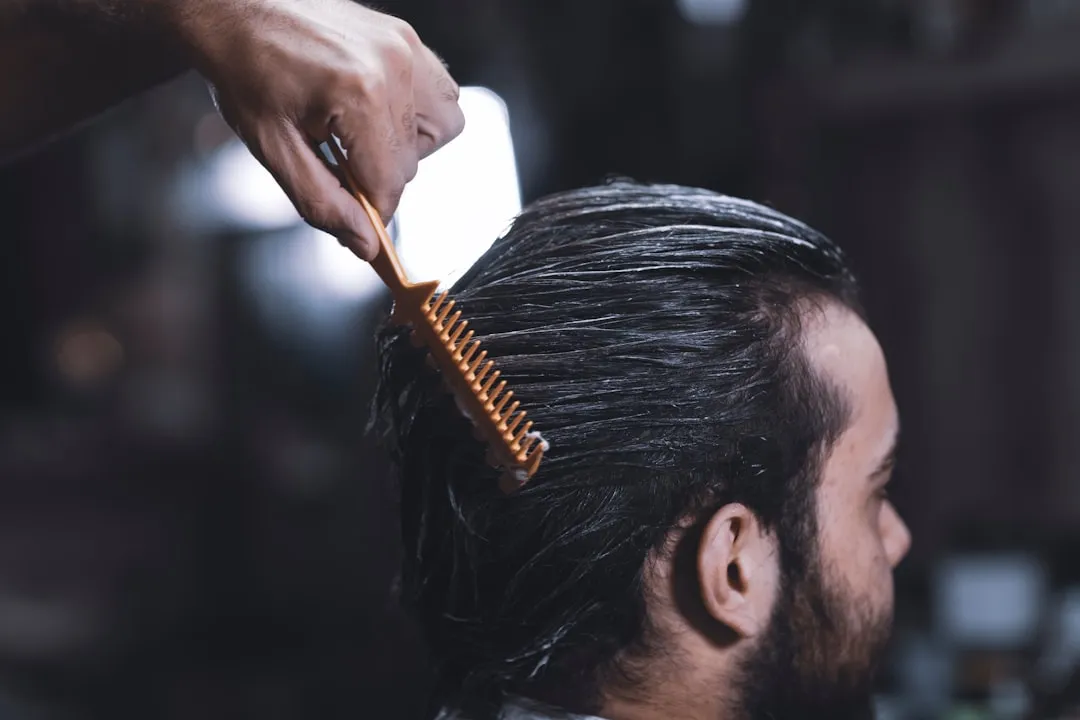
After making the transformation in the hall, take photos of the final result in similar conditions to the test. Compare the actual result with the AI simulation to assess the level of accuracy of the application. This comparison helps you better understand how this type of tool works and how accurate it is in practice.
If you liked the result, share your experience by mentioning the application you used to test. If it did not go completely as expected, write down the reasons (different lighting, AI underestimated the amount of volume the cut would have, etc.) to improve your next test experience.
Practical Advantages of Testing with AI Before Changing
Financial savings is one of the biggest advantages.When you test multiple options before going to the salon, it dramatically reduces the chance of making a change you do not like and need to spend more money to fix.You save not only on cutting or coloring, but also on possible repairs and repairs that would be needed.
Dramatically changing appearance without being sure can affect your confidence and self-esteem. Using AI to visualize change early allows you to mentally get used to the new look before actually doing it. This makes the experience less emotionally risky.
The time saved is also significant. You do not need to make multiple appointments in the salon to test different ideas, nor do you need to go through costly experiments. Everything happens in the convenience of your home, in a few minutes. You can explore more options faster than would be possible in a salon.
AI tools also stimulate creativity and exploration. Many people end up getting stuck with similar cuts and colors because they are afraid to take risks.With the possibility of risk-free testing, you feel encouraged to explore different styles than you normally use, potentially discovering a version of yourself that you like even more.
Different Types of Tools Available
There are specialized apps that focus exclusively on hair simulation, offering huge library of hairstyles and colors. These platforms often have advanced features like hair texture adjustment, 3D visualization, and even personalized recommendations based on your face and hair type.
Some photo editing apps also include filters and tools for testing hair changes. These options are less specialized but offer versatility because you can make other edits besides just the hair.
Social media platforms and hair care brands often offer augmented reality features for testing cuts and colors. These tools have the advantage of being integrated with platforms you already use, making access simpler.Some hair care cosmetic brands also offer filters specific to their product line.
Some modern salons invest in proprietary technology for virtual consultations, offering simulations created specifically for your hair type and based on your hair structure. This professional approach offers greater customization, although it usually requires a scheduled appointment.
Limitations You Should Know
AI technology still has important limitations that you need to recognize. Not always does the simulation correspond 100% to the actual result, especially in relation to volume, natural hair movement, and how the color will appear in different lightings. AI tends to offer idealized results that may seem different in practice.
Hair that is too curly or complex in texture is harder to simulate accurately. AI may have difficulty rendering cuts that rely heavily on professional technique to look perfect.If you have hair that is too curly or too wavy, the simulation results may not reflect reality as accurately.
Color can also show discrepancies, as AI cannot predict exactly how a specific shade will look in your hair by taking into account your skin tone, melanin structure, and chemical reactions of the coloring process.What you see in the simulation may be more saturated, more opaque, or have a slightly different hue in real life.
Lighting dependence is another limiting factor.The photo you use to test should have good lighting, otherwise the AI result may be impaired.Technical problems such as blurred photo, bad angle, or even automatic beauty features of your mobile phone can affect the quality of the simulation.
Practical Tips for Better Results with AI
Always use the best possible photo quality. Clean your device's camera, use natural lighting if possible, and take multiple shots at different angles to choose the best one. The better the input, the better the result the AI algorithm can produce.
Test the same change across two or three different applications to have multiple perspectives.Different AI systems can yield slightly different results, so comparing offers a more comprehensive view of how the result could be.
Take into account the quality of the hairstyles available on the platform. Not all tools have the same options for cuts and colors, so choose the one that offers the possibilities you are really interested in testing. Some platforms update their catalog regularly with current trends.
Take the images to the hairdresser and keep an open conversation about what is possible, what is realistic given your hair type, and what adjustments may be needed. The professional can offer perspectives that AI cannot provide.
Test colors gradually if you are going from a very dark tone to a very light one. Use the simulations to identify intermediate shades that you would like to experience.Changing hair gradually is often safer and provides opportunities for adjustment on the way.
Strategic Approach to Long-Term Decisions
Think about how the change fits into your overall lifestyle. A very short cut may require frequent trips to the salon for shape maintenance. A very light color may require specific toners and products to maintain the shade. Use the simulations not only to see how it looks, but to reflect on the practicality of maintenance.
Consider the seasons and how different colors and cuts work in different contexts. A cut you love in magazine photos may not be appropriate for your job or social circle. Test options mentally in different situations: going to work, at social events, in leisure activities, and in formal settings.
If you are considering changing your image more deeply, start by testing incremental changes.Test a new cut while maintaining color, then test colors while maintaining the cut. This gradual approach allows you to adapt and better understand what works for you, rather than making all the changes at once.
Create a visual mood board by saving your favorite simulations along with reference photos from other sources. This helps you identify patterns in your tastes and develop a clear vision of which direction you want to go with your appearance.Often, by looking at multiple options together, you can better see what your style really is.