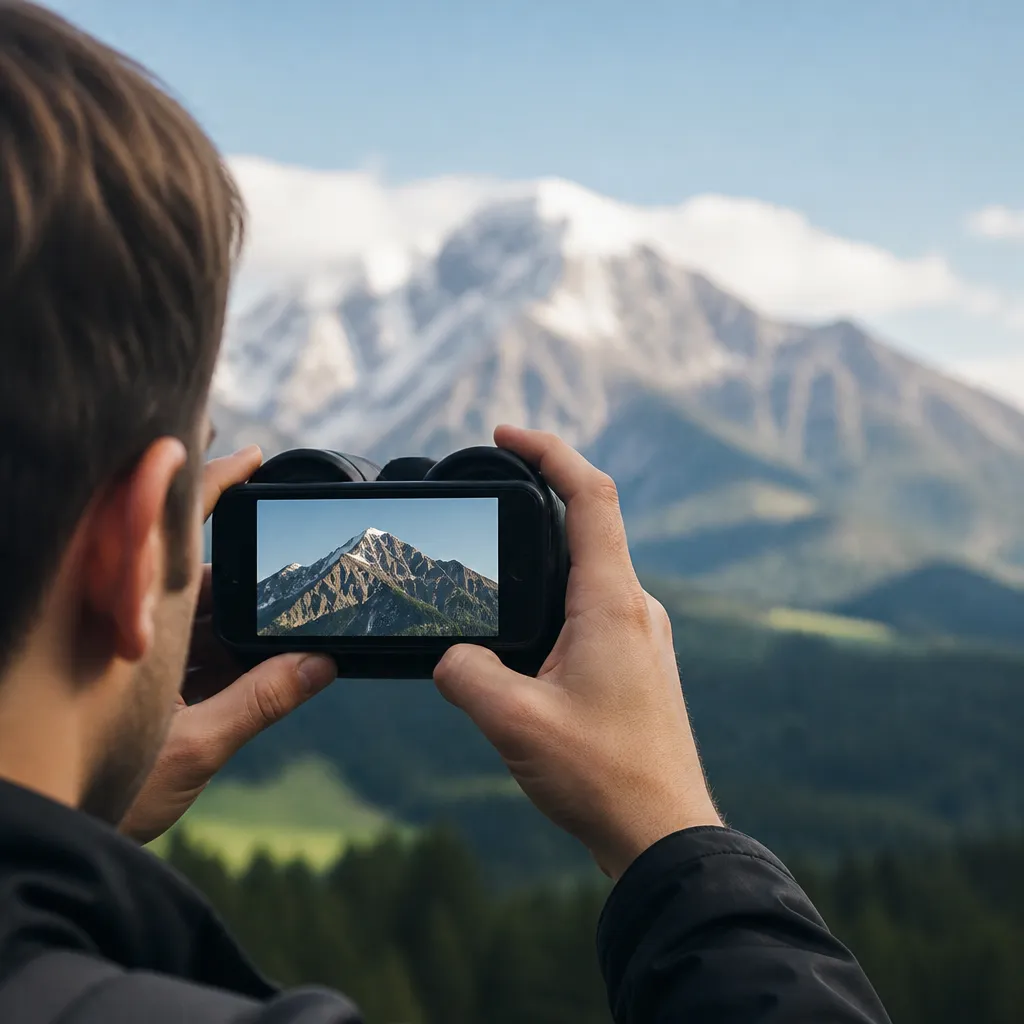
Have you ever stopped to think that the mobile phone in your hand is much more powerful than it seems? With the right advanced strategies, turning your smartphone into a digital binocular is totally possible and affordable.
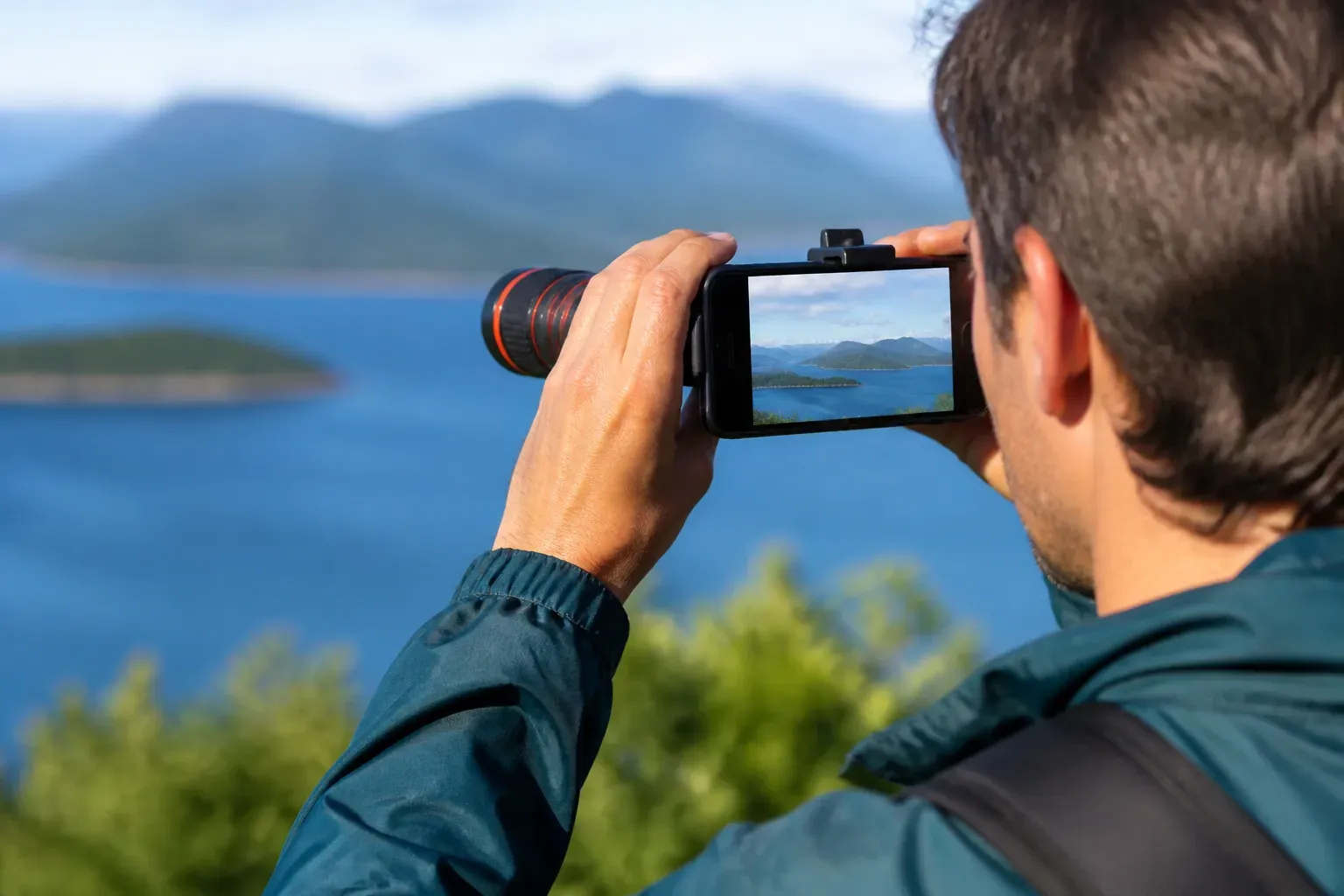
Smartphone optical and digital zoom technology has evolved exponentially in recent years, allowing you to capture distant details with astonishing accuracy.By mastering your device-specific optimizations, you will unlock features that many users are unaware exist.
Understand the Zoom Types Available on Your Mobile Phone
Before turning your phone into a binocular, you need to understand the fundamental difference between optical zoom and digital zoom. Optical zoom uses physical lenses to approximate the image, while maintaining the original quality, while digital zoom simply magnifies already captured pixels, reducing sharpness.Most modern smartphones have multiple lenses: a wide angle, a telephoto and often a macro for close-ups.
Identify what configuration your phone has by accessing the technical specifications in the manual or in the manufacturer's settings. Many users ignore that their devices have zoom capabilities greater than 10x and never exploit this functionality properly. Knowing these characteristics is the first step to optimize its use as improvised binoculars.
Optimize Camera Settings for Better Performance
Your default camera settings are probably not set for maximum performance in zoom situations. Access the advanced options of your camera app and disable image stabilization if using tripod, as this can paradoxically reduce sharpness at extreme zoom. Turn on high-resolution or RAW mode when available, allowing you to capture more detail that you can process later.
Manual exposure is your best friend when you turn your phone into digital binoculars in variable light conditions. Adjust the ISO manually to avoid excessive noise in a closed environment and reduce it in bright sunlight for maximum clarity.White balance should also be manually controlled in extreme situations, especially when observing very distant objects against variable skies.
Master Advanced Image Stabilization Techniques
When you zoom the image to 10x, 20x or more, any hand tremor magnifies proportionally, making it impossible to get sharp images by holding the cell phone freely.Use a lightweight tripod or even an unlikely holder like a bag of rice to stabilize your device during capture.
Continuous shooting mode is your most underrated optimization strategy: shoot multiple frames in quick succession and select the sharpest one afterwards.You will compensate for the small instability by capturing dozens of images, ensuring that at least one will come out perfectly focused.Some manufacturers offer specific modes for long-distance photography that automatically apply similar techniques.

Apply Filters and Processing for Enhanced Clarity
After capturing the image with your cell phone-binocular, proper processing makes a monumental difference in the final clarity. Increase contrast and sharpness at subtle levels, avoiding exaggerations that create unpleasant visual artifacts. Reduce noise by using specialized applications that understand zoom photography, preserving genuine detail while removing unwanted granulation.
Controlled saturation and vibration can reveal previously invisible details, especially in distant objects under open skies.Do not confuse efficient processing with excessive saturation: the goal is natural clarity, not an artificial-looking image.Many professional applications offer long-distance photography-specific sliders that already come pre-optimized for this type of capture.
Choose Specialized Apps for Better Functioning
Your phone's default camera app has deliberate interface limitations that prevent full access to advanced controls. Third-party apps like those offered by specialized developers unlock features like full ISO control, shutter speed, and manual focus.
Search for apps with consistently high ratings from professional and amateur photographers enthusiasts, not just casual users.Some apps include optical distortion correction that actually improves zoom quality, while others add real-time histogram visualization for perfect exposure.Test different options before investing in paid versions, ensuring that the interface and features match your style of use.
Advanced Composition Strategies for Effective Zoom
When you turn your phone into binoculars, composition matters as much as the technology used. Use guide lines available in most applications to frame distant objects with professional accuracy, applying third-party rules and horizon lines. Clearing the framing of unnecessary distracting elements allows the observer to focus on exactly the distant detail you want to highlight.
Consider the environmental context when using extreme zoom: shoot in better light times like sunrise and sunset, avoid shooting against the direct sun that creates flare, and look for natural advantages like elevations that reduce effective distance to the object.Patience is essential; wait for the ideal moment when the object is perfectly lit and well positioned before firing, rather than capturing images in mediocre conditions.
Maintain and Care for Your Device Lenses
Proper lens cleaning is absolutely critical when you use your phone as binoculars, as any dust or smudge amplifies at extreme zoom, dramatically reducing perceived quality.Use a microfiber cloth specific for optical lenses, gently wiping in circular motions without pressing too hard.
Consider using a premium quality protective cover or camera film that offers protection without interfering with optical quality, especially if you use your cellular binoculars frequently in harsh environments. Regularly inspect the lenses against a light to detect minute scratches that affect results, and if you find damage, seek professional repair before they worsen. Consistent preventive maintenance ensures your zoom capabilities remain optimized for years.