Why Does Your Phone Battery Drain So Fast?
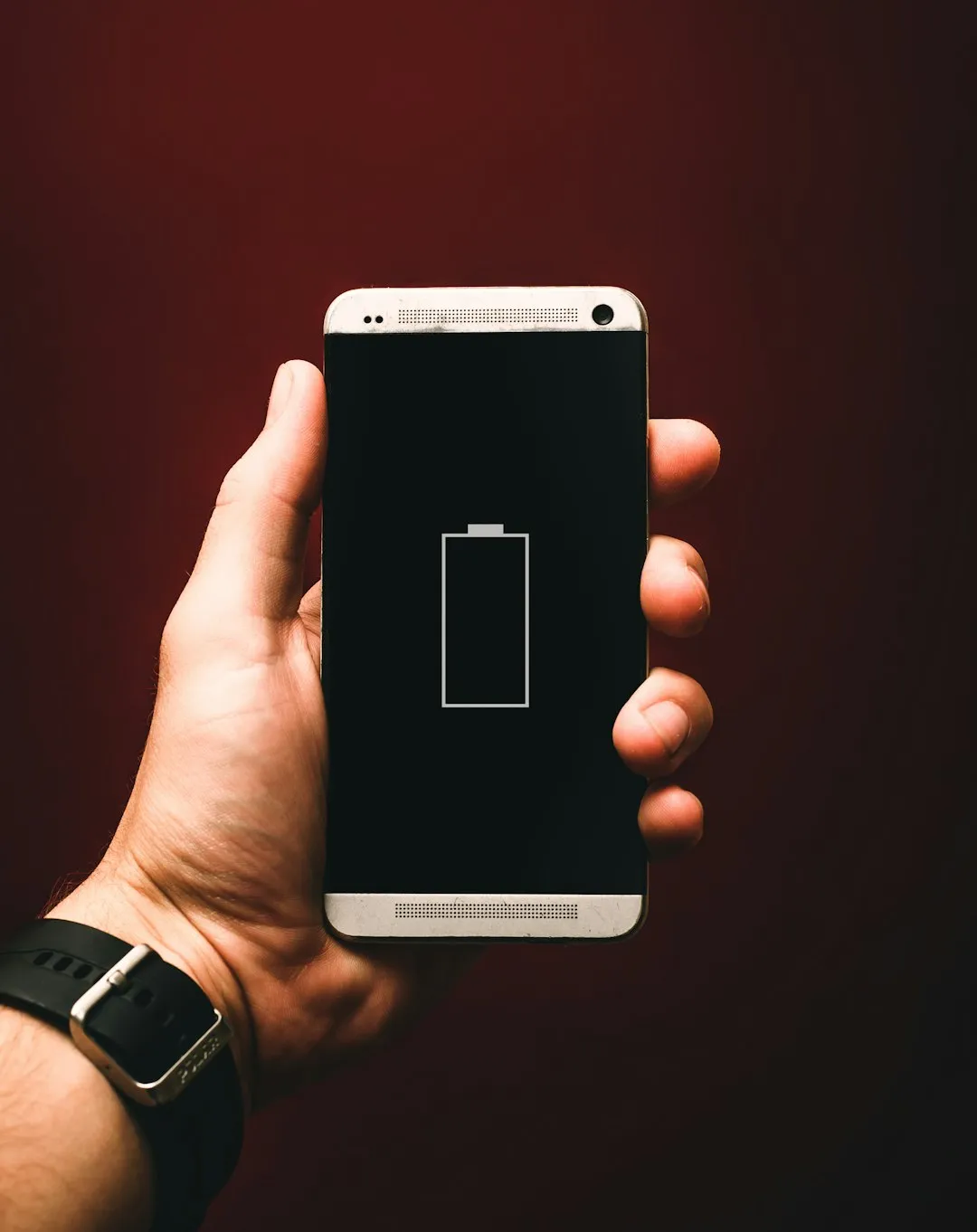
Your smartphone's battery is a finite resource under constant pressure. Apps running in the background, screen brightness at maximum, active GPS, data synchronization, and continuous notifications consume energy rapidly. A typical phone loses between 10% and 20% of battery per hour with moderate use.
AccuBattery
Digibytes
Understanding why your battery drains is the first step to solving it. Social media apps, mapping, and video streaming are the biggest culprits. Without intervention, many users run out of battery before the end of the day, compromising productivity and communication.
The good news: specialized apps can increase autonomy by up to 30% to 50%, identifying invisible energy consumers and optimizing settings automatically.
How Battery Saver Apps Work
A good battery optimizer functions as an intelligent monitor of your device. It tracks which apps consume the most energy, monitors processor temperature, and adjusts settings automatically or manually.
The technology behind these apps involves real-time analysis of CPU, GPU, connectivity, and screen usage. The system identifies consumption patterns and suggests – or applies directly – optimizations. Some apps use artificial intelligence to learn your habits and predict the best time to activate power-saving mode.
Unlike simple cache cleaners, battery apps work at the process management and hardware configuration level, offering detailed reports on consumption by app and an estimate of remaining battery life.
Essential Features of a Good Optimizer
Real-Time Monitoring
The ability to monitor battery consumption by app is fundamental. A good app shows which program is using the most energy right now, allowing you to close unnecessary ones. Some offer detailed history of consumption over the last 24 hours or weeks.
Power Saving Modes
Professional apps offer multiple modes: light savings (minor adjustments), moderate (disables some services), and extreme (maximum savings). You choose based on your situation – extreme mode is ideal when away from a charger and need your phone to last as long as possible.
Background App Control
Many apps consume battery while running invisibly. An optimizer allows you to pause or limit which apps can perform background tasks, significantly reducing consumption without harming functionality.
Battery Health Analysis
Some advanced apps check your phone's physical battery health – maximum capacity, charge cycles, operating temperature. This alerts you to degradation before the battery completely fails.
Step-by-Step: How to Use a Battery Saver App
- Download and Install: Go to the Play Store, search for a battery saver app, and install it. Most are free with premium options available.
- Run Initial Analysis: When you open the app, it will scan your installed applications. Wait a few seconds for it to complete.
- Review the Report: See which apps consume the most battery. You can uninstall them, disable notifications, or restrict their background usage.
- Activate Power Saving Mode: Choose the appropriate mode for your day. If battery is above 50%, use light mode. Below 20%, activate extreme mode.
- Adjust Global Settings: Reduce screen brightness, disable GPS when not in use, disable automatic email and social media synchronization.
- Monitor Regularly: Check the app periodically to track autonomy gains and identify new energy consumers.
Practical Tips to Maximize Savings
In addition to using a specialized app, some complementary actions make a big difference. Reduce screen brightness to 30% or 40% – the screen consumes up to 40% of battery during intensive use. Enable adaptive brightness so it adjusts based on ambient light.
Disable unnecessary connectivity: Bluetooth, GPS, and Wi-Fi active all the time drain energy even when not in use. Turn them on only when needed. Disable push notifications from non-essential apps, as each notification wakes the screen and processes data.
Reduce the frequency of data synchronization. Email, calendar, and social networks don't need to sync every minute. Change to every 15 or 30 minutes. Use airplane mode in areas without coverage – your phone will spend enormous amounts of energy searching for signal.
Keep your phone at adequate temperature. Excessive heat reduces battery lifespan and increases energy consumption. Avoid leaving your phone in the sun or in hot places. Use cases that allow heat dissipation.
When You Really Need a Battery Optimizer
If your phone lasts less than half a day with normal use, a battery saver app is practically essential. Field professionals, travelers, and users who charge frequently see immediate benefit.
Even users with average battery see benefit from the detailed insights and automated optimizations these apps provide.