Why Invest in a 4K Webcam for Streaming
Video quality is the first factor that determines whether your content will attract and retain viewers.Professional streamers know that a 4K webcam transforms the visual experience, especially on platforms like Twitch, YouTube and Facebook Gaming, where competition is fierce.
A 4K webcam offers 3840×2160 pixel resolution, four times higher than Full HD (1920×1080). This means crisp details of your face, clear facial expressions and a professional finish that sets your channel apart from beginners using generic webcams.
In addition to raw quality, modern 4K webcams bring features such as fast autofocus, image stabilization e better performance in low light, Critical factors during live streams where you can't stop to adjust manually.
Essential Technical Requirements for 4K Webcams
Processor and RAM Required
4K streaming requires at least a 6-core processor (Intel i5-10400 or equivalent AMD Ryzen 5 3600). Capturing and encoding 4K at 30-60fps consumes significant computing power, so older processors can create bottleneck.
For RAM, 16GB is the recommended minimum. Many streamers opt for 32GB to maintain margin of safety when running OBS/StreamLabs simultaneously with browser, Discord and other applications.
Bit Rate and Internet Speed
4K webcams generate a lot of data. A 4K transmission at 60fps in high quality consumes between 15 To 25 Mbps platforms like Twitch support adaptive bitrate, but you need stable connection with at least 25 Mbps upload guaranteed.
If your internet is unstable, the quality will automatically drop to 1080p or 720p. In this case, a 4K webcam will work but not display its maximum potential.
USB port and Bandwidth
4K webcams use USB 3.0 or higher (not 2.0). USB 2.0 is insufficient for continuous data flow in 4K. Make sure your motherboard has native USB 3.0 port (indicated by inner blue or SS label), not low quality USB hub.
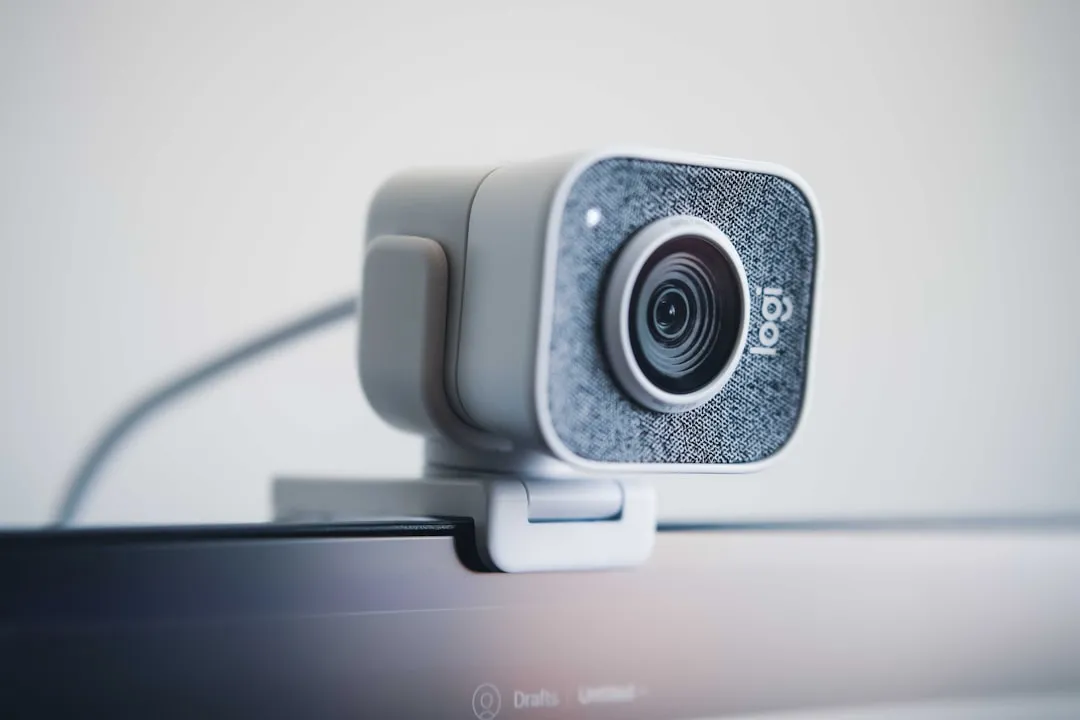
Top Recommended Models for Streamers
4K Premium Webcams (Above R$ 1,500)
Logitech StreamCam Plus 4K it is a reliable choice for streamers who want quality without breaking the bank. It offers native 1080p (not upscaled 4K), accurate autofocus and integration with streaming platforms. Approximate price: R$ 1,200P 1,2001,500.
Razer Kiyo Pro Ultra it stands out for large aperture sensor (f/2.8) that works well even in a dimly lit environment. Includes integrated assembly and automatic compatibility with OBS. It costs between R$ 2,000 and 2,500.
Elgato Facecam Pro 4K it is the choice of many professional streamers on Twitch.Automatic Resafocation, Stream Deck compatibility and Streamlabs software, plus minimalist design.Range of R$1,80002,200.
4K Inbound Webcams (R$ 800 to 1,200)
Creative Live! Cam Sync 4K it offers good value for money. It generates native 4K video, autofocus and integrated microphone of acceptable quality. Ideal for early-stage streamers who do not want to spend too much. It costs approximately R $ 900 to 11.100.
AVerMedia PW313D it is less known but reliable.4K sensor, fast autofocus and native platform support. Price: R$8501,000.
How to Choose the Ideal Webcam for Your Case
Evaluate Your Lighting Scenario
4K webcams with a larger sensor (f/2.0 or smaller) capture more natural light. Whether you stream at night or in dimly lit surroundings, models like Razer Kiyo Pro Ultra are worth the extra investment.In a studio with professional ring light, any 4K model works well.
Consider Native vs. Upscaled Resolution
Some webcams advertise