Why Tablets with Stylus Revolutionize Workflow
Tablets equipped with stylus have transformed the way creative professionals work.The combination of touchscreen and precise pen offers a natural and intuitive experience, similar to drawing on paper, but with unlimited digital features.
Unlike traditional laptops, stylus tablets allow direct interaction with content. You touch, draw, write and edit without intermediaries such as trackpad or mouse. For designers, architects, illustrators and professional annotators, this accuracy is crucial. Low latency (below 20ms on top-of-the-line models) ensures that there is no noticeable delay between pen movement and screen response.
Technical Specifications That Matter
When choosing a tablet with stylus, some technical parameters determine its productivity. A sensitivity pressure it is essential: professional models offer between 2,048 and 16,384 pressure levels. The higher this number, the more nuances you can record in strokes and shades.
A screen refresh rate (refresh rate) also significantly impacts.Tablets with 120Hz or 144Hz provide smoother transitions when drawing, sliding and zooming resolution ranges from 1920x1200 pixels on more affordable models up to 2732x2048 on premium tablets.For detailed creative work, prioritize screens 11 inches or larger with resolution above 2,000 pixels in one dimension.
A stylus compatibility it is exclusive: each manufacturer uses its own standard.Ipad works with Apple Pencil, Samsung tablets with S Pen, and Huawei models with M Pencil.Make sure that the chosen stylus is compatible with your tablet before purchase.
Essential Apps to Maximize Productivity
The tablet is just part of the equation.Specialized applications turn the hardware into powerful tools.For graphic design and illustration, the Procreate (exclusive iPad) and Adobe Fresh they dominate, offering realistic brushes and unlimited layers.Interface designers often use Phigma e Adobe XD's, both with robust stylus support.
For annotations and productivity, and Notability, GoodNotes 5 e OneNote they allow you to capture ideas quickly with handwriting recognition.Photographers migrate to Affinity Designer e Affinity Photo, Powerful alternatives to Photoshop. Architects and engineers use AutoCAD Mobile e Vectorworks Nomad for light modeling in the field.
Comparison of Popular Models
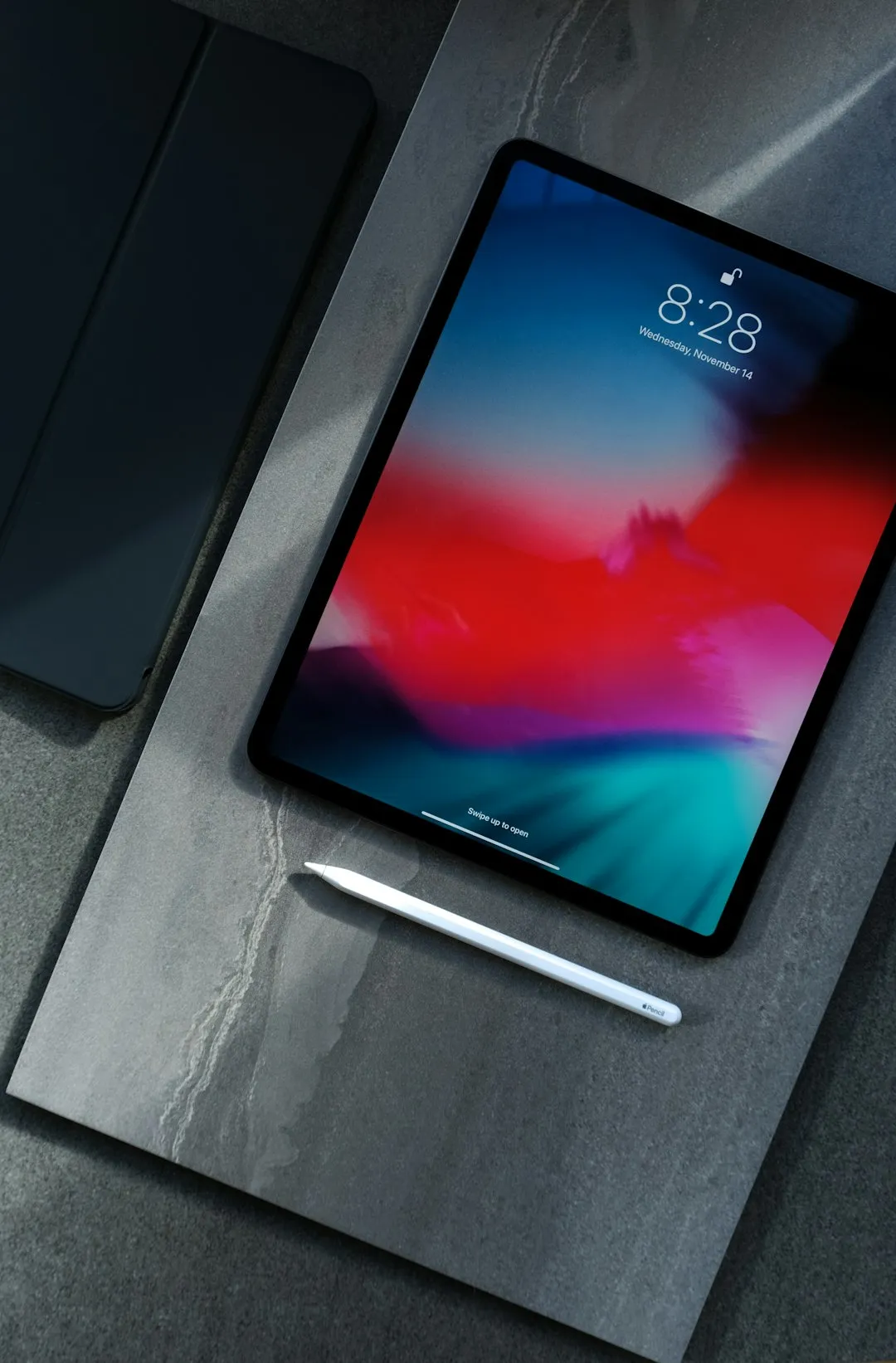
iPad Pro (12.9" or 11") with Apple Pencil Pro stands out as an absolute leader. It offers 12,000 pressure levels, 12ms latency and M2 processor capable of running heavy professional software. Starting price around R $ 8,000 to R $ 12,000. Ideal for those who work with Adobe Creative Suite or need maximum compatibility.
Samsung Galaxy Tab S9 Ultra (14,6") with S Pen offers 4,096 pressure levels, 120Hz refresh rate and Snapdragon 8 Gen 2 processor. It costs between R$ 5,000 and R$ 7,000. Best for professionals who already use Android ecosystem and seek larger screen with good cost-benefit.
Huawei MatePad Pro 12.2" combines HarmonyOS, M Pencil with 10,000 pressure levels and competitive price (R$ 3,500 to R$ 4,500). Restriction: lower availability of premium creative apps, but excellent for basic drawing and annotations.
Practical Tips to Optimize Your Workflow
Invest in an adjustable angle bracket or cover. The posture when drawing impacts accuracy and comfort during long sessions.Many professionals use a Bluetooth-coupled keyboard, turning the tablet into a hybrid workstation for text editing combined with drawing.
Set up custom shortcuts in your app. Most let you map pen or finger gesture buttons to frequent tools (zoom, undo, select). This reduces clicks and keeps you in the creative flow. Organize your cloud files from the start: OneDrive, Google Drive or iCloud guarantee access from any device.
Calibrate the stylus regularly through tablet settings.Some models offer on-screen calibration to ensure tip accuracy.If you work with critical colors, consider an external colorimeter or rely on integrated professional color space tools.
Conclusion: Investment in Creativity and Efficiency
Tablets with stylus pen are not just gadgets: they are legitimate production tools for designers, illustrators, architects and knowledge professionals who need to quickly annotate, sketch and iterate. The choice depends on your budget, priority applications and ecosystem preference.
If you want maximum compatibility and performance, iPad Pro is the safest choice. If you are looking for better value for money, Galaxy Tab S9 Ultra competes strongly. The important thing is that every modern tablet with stylus today offers enough precision for professional work at the fraction of the cost of traditional analog tools. Your investment accelerates projects, reduces iterations and frees creativity wherever you are.