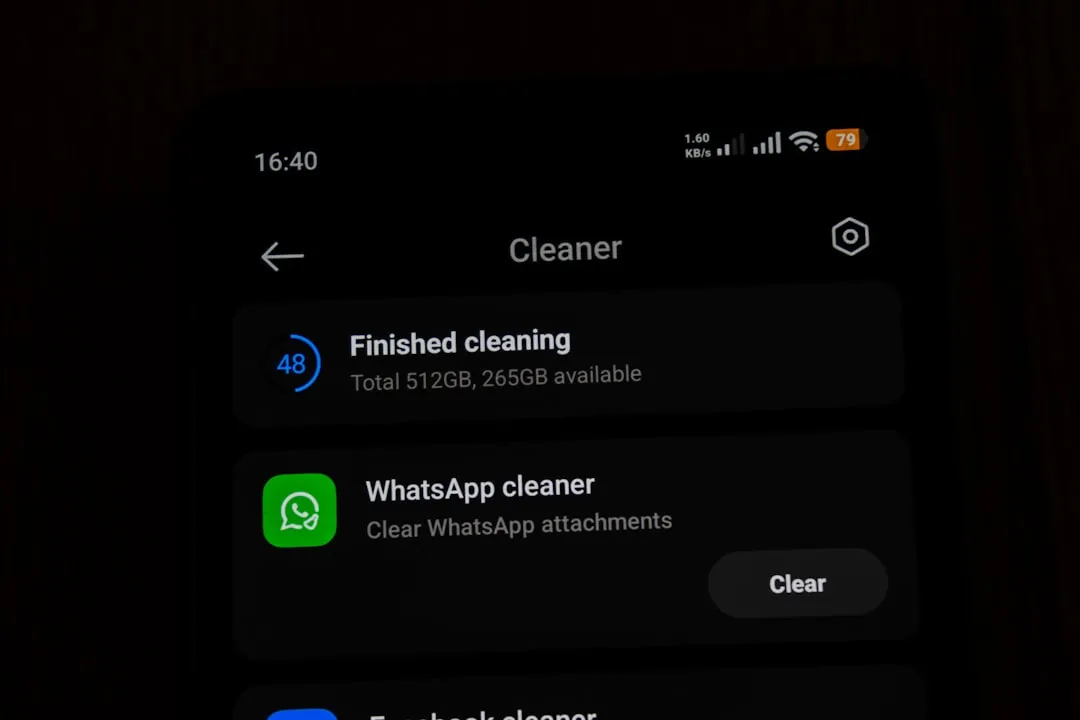
You've probably heard about apps that promise to wipe your phone's memory fast and let the device fly. But do these solutions really work as they promise?Let's unravel the myths and realities behind these popular tools.
Most users believe that accumulating temporary files and closing browser tabs directly impacts the speed of the phone, but the truth is more complex than that. There are misconceptions circulating out there that can lead you to make wrong decisions about which tool to use or if you really need them.
The Memory Myth of RAM Always Full
One of the biggest misconceptions is to think that leaving your RAM completely empty makes the mobile faster and more responsive. In reality, your operating system (Android or iOS) is designed to use the available memory intelligently and efficiently. When you are not using an application, the system puts it in the background optimally, freeing up space when needed for new programs.
App cleaners manufacturers sell the idea that you need to close all running apps, but this is a marketing strategy more than a real technical need. Your phone automatically manages memory, closing unnecessary processes when it needs space for something more important.Forcing this cleanup manually can even hurt performance by restarting apps you would use next.
The Truth About Cleaner Apps
Apps that clean mobile phone memory fast exist and work, but not in the way you think. They can clear application cache, temporary files and residual data that really take up space in your internal storage. The problem is that many users confuse storage with RAM, and then the mistake begins.
There are two different things happening on your phone: RAM (the one that makes your phone run faster when well managed) and internal storage (that space where your photos, documents and applications are). A memory cleaner application can help with storage by removing digital junk accumulated over time, but the impact on execution speed is much less than promised.
Myth: You Need to Clean Memory Daily
The cell phone cleaning industry has created a narrative of urgency, making you believe you need to clear your memory every day to keep your phone healthy.This is one of the biggest marketing lies in the segment.
In fact, wiping memory excessively can create a vicious cycle where your phone spends more battery by constantly restarting processes. If you clean it all the time, the apps you use often need to be recharged from storage memory to RAM every time you open them. This consumes more power and can make the phone slower, not faster.
What Really Affects Your Mobile Phone Performance
Several legitimate factors influence the speed and responsiveness of your phone much more than the state of RAM. The fragmented file system, pending operating system updates, long time without turning off the device, and heavy applications running in the background have real and measurable impact on performance. Focusing on these genuine issues produces much better results than using a cleaner application.
Malware and unwanted applications also greatly impair performance. If you have installed a suspicious application that consumes a lot of resources, no memory cleaner will solve the fundamental problem. The solution is to uninstall the culprit or at least disable its permissions. Similarly, if you have hundreds of tabs open in the browser or social networks with many notifications enabled, this does affect the user experience.
When a Cleaner App Can Be Useful
While not essential, a good app that cleans up cell phone memory fast can make a difference in specific situations. If you have accumulated a lot of digital junk over the months, such as old cache of uninstalled apps or orphaned temporary files, a deep wipe can free gigabytes of valuable space.This free storage space allows your operating system to work better, especially if you were getting close to the limit.
Some cleaner apps also offer useful functionality beyond basic cleaning, such as monitoring battery-draining apps or startup managers that control which programs automatically start with your phone. These functions really impact performance and battery life, making the tool more valuable than just cleaning RAM. The key is to choose a tool with a good reputation and that does not request excessive permissions.
Truth: Your Android or iOS Is Too Smart For This
Modern operating systems, both Android and iOS, have sophisticated memory management algorithms that work much better than any third-party application. iOS, especially, has been criticized for years by users who believed they needed wipers, but the reality is that the iPhone never needed them. Android has lagged behind in this aspect for years, but recent versions have also implemented quite effective automatic management.
When your phone really needs more RAM, the operating system closes less used applications automatically, ensuring that you never run out of space to run what you are currently using. This process is invisible to you and works much better than pausing and cleaning manually, because the system knows your usage patterns and acts preemptively.
The Negative Side: Risk of Malicious Applications
Unfortunately, the popularity of the wipers apps has attracted many malware creators to this category. You need to be extremely careful when downloading these tools, because many of them ask for dangerous permissions like access to your contacts, messages, location and even banking data.Some fake wipers have been discovered stealing personal information or displaying aggressive ads that make the phone even slower.
Before installing any app that cleans up the phone's memory fast, carefully check the reviews in the official store (Google Play or App Store), read the comments of users and analyze what permissions the app is requesting. A legitimate cleaning tool does not need to access your camera, your contacts or your location. If an app asks for strange permissions, immediately distrust and look for a safer alternative.
Practical Strategies to Really Improve Performance
Instead of relying on cleaner apps, you can do a number of practical things that deliver real, lasting results. Disabling app notifications that you don't need to keep up with constantly reduces background processing and saves battery. Disabling automatic app updates, unnecessary visual animations, and localization features for programs that don't need them are changes that work.
Restart your phone regularly, at least once a week, to allow the operating system to make its housekeeping natural and release resources that leak over time. Check which applications are consuming more battery in your phone settings and uninstall or replace those that drain resources disproportionately. Keeping your operating system always up to date is crucial, as updates often include performance optimizations and security fixes.
The Reality About Cache Cleaning
One functionality that really works in cleaner applications is clearing cache of specific applications or in general. The cache is temporary data stored by applications to load faster next time, but this can accumulate gigabytes over time. Unlike forcing the closure of applications, clearing cache is safe and beneficial, especially if you are experiencing storage space problems.
You can manually clear cache in your phone settings without needing a third-party app. On Android, go to Settings, then Storage or Apps, select each program, and clear the cache individually. On iOS, you can remove apps and reinstall them to clear their cache. This manual approach gives you full control over the process and avoids installing an app with questionable permissions.
The True Guilt of Slowness: Full Storage
If your phone is really slow, the most likely cause is not RAM, but rather almost full internal storage. When your phone has less than 10% free space, the operating system slows down because it needs to constantly manage this limited space.Here yes an application that cleans cell phone memory fast can make real difference by freeing gigabytes removing unnecessary data.
You can solve this by deleting old photos and videos that you synced to the cloud, uninstalling apps you don't use, removing old downloads, or moving large files to cloud storage. If the problem persists, consider factory backup and resetting your phone as the last option.This deep wipe offers much longer lasting results than any third-party app.
Comparing Different Types of Tools
There are several categories of tools available: simple cleaners that remove cache, more complete application managers that monitor resource usage, optimization tools that adjust system settings, and storage utilities that help locate large files.Each has its purpose, and what you need depends on your specific problem.If it is purely speed, perhaps a startup manager is more useful than a cache cleaner.
The best options on the market offer clean interface, no suspicious permissions, regular updates, responsive user support, and consistently positive reviews from verified users. Read critical reviews too, because they often reveal problems that positive reviews do not show. Remember that no tool replaces good application management practices and regular updates of your operating system.
The Impact on Battery: Myth Versus Reality
A common myth is that frequently cleaning the cell phone memory saves battery, when in fact the opposite is true. Constantly cleaning forces your phone to restart apps you would use then consuming more power in this charging process. If you really want to save battery, keep apps running in the background that you use regularly instead of forcing them to close.
What really drains battery is having too many apps asking for location constantly, frequent data synchronization, too high screen brightness, and features like Bluetooth and WiFi always active.Focus on disabling these unnecessary features offers much more substantial battery savings than any memory cleaner. If a specific app is draining your battery, identify and remove it, do not try to mask the problem with frequent wipes.
Security and Privacy: Legitimate Concerns
Many cleaner apps ask for permission to access sensitive data under the guise of optimization, but this is a red flag that you should not ignore. A legitimate tool that cleans up fast phone memory does not need to access your contacts, call history, personal files, or any private data. If an app asks for these permissions, the chance of being collecting information to resell is high.
Even seemingly well-intentioned apps can sell telemetry data to third parties, which affects your privacy even if they do not steal information directly. Read the privacy policy before installing anything, look for indications that the company has a reputation for respecting users, and consider whether it really is worth installing an additional application when your operating system already manages memory alone.
When You Really Need to Clean
There are genuine situations where clearing data and cache is necessary and beneficial. If an application is behaving strangely or constantly crashing, clearing your cache often solves the problem.If you are selling or donating your mobile phone, a deep clean including factory reset is essential to protect your personal data. If you are close to reaching the storage limit and need fast space for something important, a cleanup is justified.
It also makes sense to periodically clean (perhaps monthly) if you are a very active user who installs and uninstalls many applications, as waste accumulates. Users who travel and rely on high-quality photographs may need to periodically clear cache to free up space while traveling. The key is to understand their specific needs rather than blindly following daily cleaning recommendations that applications make to appear useful.
Alternatives to Cleaner Apps
Before installing a third-party application, explore the built-in tools of your operating system. Android offers "Storage" in the settings that shows exactly what is taking up space and allows you to eliminate unnecessary data directly. iOS has similar functionality in "Settings", showing which applications take up more space and allowing you to remove caches. Using these built-in tools is more secure because it comes from your phone manufacturer and has controlled access to the features.
Also consider using built-in file managers to find and delete old downloads, duplicate screenshots, or videos you've already moved to the cloud.Many users don't realize how much unnecessary data they accumulate in download or temporary folders. A manual organizing session, while taking longer, offers longer lasting results and greater benefits than installing another app that demands resources from your phone.
Signs Your Phone Really Needs Cleaning
Your phone is genuinely in need of help if you are seeing specific behaviors like frequent crashes even with few apps open, too long load time for apps that used to open fast, or constant notifications of insufficient space. If the available storage is less than 1GB, you definitely need to wipe data, either manually or with a reliable app.
Another real indicator is when operating system updates start to fail because there is not enough space to install, or when important applications fail to function properly because they do not have enough cache space. In such cases, aggressive cleaning that removes temporary files, old cache and unnecessary downloads will solve concrete problems.The error is to try to preemptively clean every day when your phone works perfectly.
Your phone is smarter than you might think, and that intelligence has been built through years of refinement by Microsoft, Google, Apple and hardware manufacturers. Relying on this built-in intelligence and using manual resources when needed is more efficient than installing additional applications that consume system resources. The secret to maintaining a fast and responsive phone is not frequent cleaning, but good application management practices and regular updates.