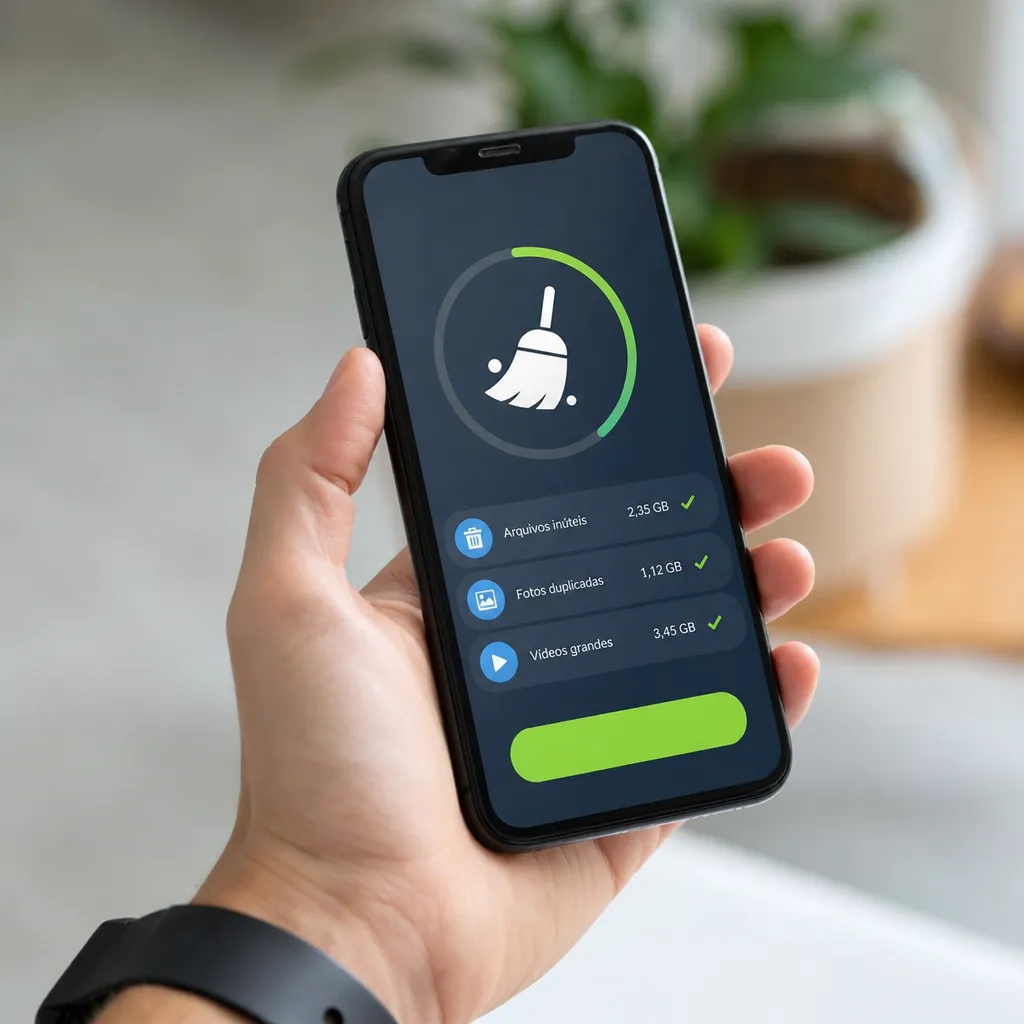
Have you ever stopped to think about how much "digital waste" accumulates on your smartphone every day? Apps that clean the memory of the cell phone have emerged as a solution to this growing problem.In this article, we will explore how they work, what are the most common mistakes when using them and how to avoid traps that can harm the performance of your device.

Limpeza de Celular・AI Cleaner
Brain Trust
The truth is that many people use these memory wipers improperly, thinking that they are optimizing the phone when, in fact, they may be causing more damage than benefits. Understanding how these applications actually work is essential to make smart decisions about which tool to use and how to use it correctly. We will unravel the myths and reveal the safest practices to keep your smartphone fast and efficient.
What is a Mobile Phone Memory Cleaner App?
An application that cleans mobile memory is software designed to remove unnecessary files, cached data, and waste from programs that consume storage space.These applications scan the system for temporary files, duplicate copies of documents, and data that applications leave behind even after being uninstalled.
There are two main categories: storage cleaners, which focus on freeing up disk space, and RAM optimizers, which try to increase the amount of available memory. Storage wipers are usually more useful and safe, while RAM optimizers often cause more problems than solutions on modern smartphones. Most of these applications work by identifying file and folder patterns that are considered safe to delete, without harming the operation of the operating system.
How Memory Cleaners Work
The basic process of a memory cleaner begins with a deep scan of the device, analyzing specific folders known to accumulate digital junk. The application identifies temporary files created by browsers, application caches, obsolete log files and duplicate data that accumulate over time. Most smartphones create these files to improve the speed of access, but when they accumulate in large quantities, they consume valuable space.
After the analysis, the application presents a detailed report showing how much space can be freed and what types of files will be removed. You then approve the cleaning, and the application proceeds with the deletion of the identified items.Some more advanced wipers allow you to selectively choose which types of data to remove, giving you greater control over the process.The actual effectiveness of these applications, however, varies greatly depending on how they are configured and used.
The Major Mistakes You're Making with Memory Cleaners
One of the most common errors is to use memory wipers constantly, thinking that the more you clean, the better the performance. In reality, cleaning cache excessively can impair performance because the operating system needs to recreate these files, consuming more processing resources. Ideally, clean memory occasionally, perhaps once or twice a month, instead of daily or several times a week.
Another critical error is to completely rely on automatic wipers that run in the background all the time. These applications consume battery, processing and even RAM while trying to clean memory, creating a counterproductive cycle where the cleaning application ends up damaging the overall performance of the cell phone. You end up solving one problem by creating another even larger one, as the smartphone is constantly "busy" with the cleaning task.
Many people also make the mistake of using wipers that make unrealistic promises of instant speed boost.No app can magically triple the speed of your phone by removing cache, as some misleading ads suggest. If your phone is extremely slow, the problem is probably not just lack of space, but rather limited hardware, too many installed applications or an outdated operating system.
Installing multiple memory wipers at the same time is a mistake many make, thinking that having multiple options available will offer better results. The opposite is true: having multiple cleaning apps competing with each other consumes resources and can generate conflicts, making your phone even slower. A single cleaner, well chosen and used sparingly, is always superior to several of them acting simultaneously.
How to Choose the Right Memory Cleaner
When choosing an app that cleans mobile memory, you should search the actual user ratings on trusted platforms and check if the company behind the app is legitimate. Look for cleaners that offer transparency on which files will be removed and that allow you to review these choices before confirming the cleanup.Avoid apps that ask for unnecessary permissions or that appear to have too many intrusive ads.
The best cleaners are usually those that specifically focus on removing cache files and temporary data, without promises of miracles or magical speed increases. Apps developed by well-known and established companies in the technology market tend to be safer than shady alternatives with names similar to those of popular apps. Read the full description on the Google Play Store or App Store, checking if the developer supports and regularly updates the app.
Also consider the application interface: it should be simple and clear, allowing you to understand exactly what will be removed before confirming the action. If the interface is confusing or full of buttons that try to press you for quick actions, it is a sign that the application was not developed with the user in mind. A good cleaner leaves you in full control of the cleaning process.
Safe Practices for Using Memory Cleaners
The first rule of thumb is to back up your important data before using any memory cleaner, especially the first time. Although legitimate applications are careful not to delete personal data, accidents happen, and having a backup protects you from possible losses. Use the native backup of your operating system (Google Drive for Android or iCloud for iOS) or a reliable cloud service to store your most valuable files.
Always review the cleanup report before confirming file removal. Do not automatically click "Clear All" without checking what will be deleted, as some cleaners may incorrectly identify important files as junk. Look for granular selection options that allow you to specifically choose which cache types and temporary data you want to remove while retaining the data that really matters.
Disable the background auto-running features of the cleaner after using the app. If the app offers an option for auto-cleaning, disable it to prevent the program from constantly consuming resources. Use the wiper manually only when you really need it, such as when your storage is close to full or when your phone is considerably slow for no apparent reason.
Combine occasional use of a cleaner with more effective regular maintenance practices. Uninstall apps you no longer use, keep your operating system up to date, clean browser history manually, and avoid installing multiple similar apps that do the same thing.
Better Alternatives That Replace Memory Cleaner
Instead of relying on memory wipers, you can use native features of your operating system that are much more effective and secure. Android offers the storage option in the Settings menu where you can see exactly which apps and data are consuming space, and delete specific app data directly. iOS has similar features that allow you to download apps without deleting them, saving space by keeping your configuration data.
Managing your apps is a much more powerful strategy than any cleaner. Uninstall those you rarely use, review your notifications and permissions, and keep only those that really add value to your life.Many performance issues come from outdated or poorly programmed apps constantly skimming in the background, and removing these culprits solves the problem at the root much better than any cleaning tool.
Keeping your operating system up to date is perhaps the most important thing you can do to improve performance. Updates for Android and iOS often include optimizations that improve overall system efficiency, reduce battery consumption and increase security.These official updates, developed by the creators of the operating system themselves, are much more reliable and effective than any third-party application.
Consider also periodically cleaning cloud storage and eliminating duplicate photos and videos manually. Many smartphones create unnecessary duplicates, especially when you have sync enabled with cloud services.Removing these extra copies frees up space much more efficiently than any auto cleaner could do.
Warning Signs: When a Memory Cleaner May Be Causing Problems
If after installing a memory cleaner your mobile phone started to get slower instead of faster, it is a sign that something is wrong. The application may be consuming a lot of resources, or it may have deleted important files that your operating system needs to constantly recreate. In this case, you should uninstall the cleaner immediately and do a manual cleaning at least once using the native tools of your system.
Pay attention if you start seeing error messages or strange behaviors after using a memory cleaner, such as applications not opening properly or functionality disappearing.Some more aggressive wipers can damage application configuration files or the operating system itself.If these problems occur, uninstall the suspicious application immediately and consider restoring a previous backup if available.
If the memory cleaner is constantly asking for additional permissions or trying to activate premium features for a fee, it is a sign that the developer is more interested in making money from you than in actually helping with performance. Well-developed applications are usually simple, straightforward, and do not constantly try to make you pay for basic features that should come included.
The Future of Memory Cleaners and Optimizers
With the latest versions of Android and iOS, the operating system has become much more efficient in automatic memory and resource management. Modern memory management algorithms are so sophisticated that they eliminate the need for third-party applications for many situations.The next versions of operating systems will likely continue to improve this native efficiency, further reducing the relevance of memory wipers.
Tech companies like Google and Apple are investing heavily in artificial intelligence to intelligently and automatically optimize device performance.These systems learn their usage patterns and optimize the device specifically for how you use it. In the future, this intelligent, native optimization may completely eliminate the need for memory wipers as we know them today.
Despite this trend, cleaning apps are likely to continue to exist for a while, especially for less technical users who prefer to have a visual tool that shows how much "digital dirt" their phone has. The industry will likely evolve to develop cleaners that are more honest about what they can and cannot do, focusing on real storage cleanup rather than empty promises of speed-up.
FAQ: Frequently Asked Questions about Memory Cleaners
Does a memory cleaner really increase the speed of my phone? The answer is: probably not as much as the application promises.Memory cleaners can free up storage space, which helps if you are close to the storage limit, but the actual impact on speed is often exaggerated. If your phone is slow for other reasons (many applications running, insufficient RAM, outdated operating system), no cleaner will solve the problem.
How often should I use a memory cleaner? Ideally, you should use a memory cleaner rarely, maybe once or twice a month, or just when your storage is really full and you can't delete specific applications to free up space. Frequent use (either daily or several times a week) can hurt performance rather than improve it, because the system needs to constantly recreate caches.
Is it safe to use a memory cleaner? Legitimate, well-established applications are generally safe when used correctly, especially if you review the cleanup report before confirming removal. The risk increases dramatically with unknown or shady applications, especially those that ask for questionable permissions or come from unverified developers.
What is the difference between a storage cleaner and a RAM optimizer? Storage cleaners remove unnecessary data, freeing up disk space on your phone. RAM optimizers try to force applications to close to free up RAM, which is often counterproductive on modern smartphones, as the operating system already manages RAM very well, and forcing applications to close takes more battery when you open them again.
Should I use the memory cleaner from my phone manufacturer? Cleaners natively included in the operating system, such as Samsung's or other brands, are generally safer than third-party applications because they were developed by the same engineers who created the system.However, you should still use them occasionally and sparingly, not constantly in the background.
Conclusion
You now understand that apps that clean cell phone memory are not the magic solution that advertising promises, but they are also not completely useless when used correctly. The key is to use these tools wisely, occasionally and in a controlled way, instead of relying on them as if they were the answer to all the performance problems of your smartphone. Avoiding the common mistakes that we explored in this article, you can keep your mobile working well without harming it with excessive or aggressive wipes.
The most effective approach is to combine the occasional use of a well-chosen memory cleaner with much more powerful maintenance practices: uninstalling unnecessary applications, keeping your operating system up to date, reviewing application permissions, and using the native storage management features of your device. These practices, when implemented together, result in a smartphone much faster and more responsive than relying on any external cleaning application. Always remember: the best cleaning application is the one that you use correctly, sparingly, as an add-on rather than as a primary solution to your mobile's performance problems.